
Introducing Tax Forms for S-Corps & C-Corps
Now easily generate and export your Form 1120 or 1120-S based on financial data in Found
We’re excited to now support tax forms for S-Corps and C-Corps in order to speed up the tax preparation process for more businesses. Here’s how it works:
Generate Form 1120 or Form 1120-S based on your financial data
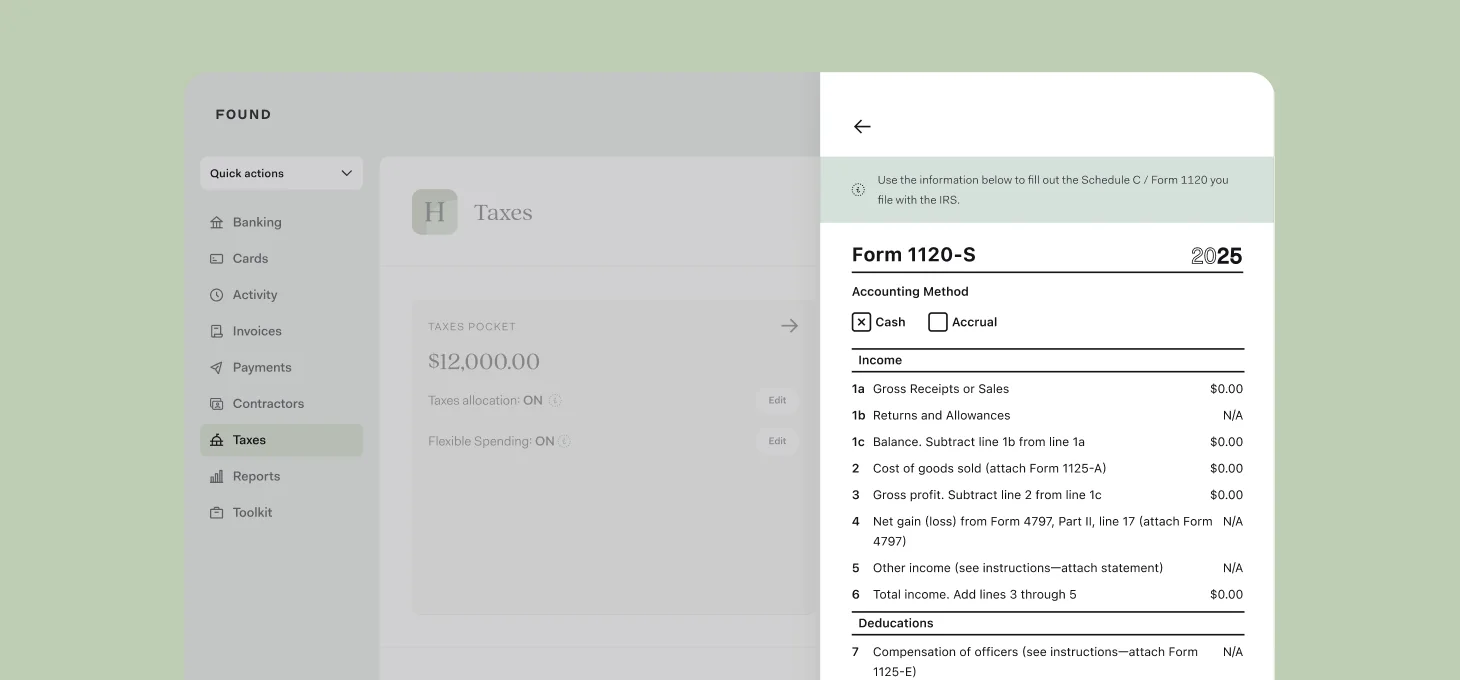
Throughout the year, categorize business income and expenses in Found using our transaction categories, which largely map to the income and deduction categories with the IRS.
During tax time, Found will auto-generate a Form 1120 for C-Corps or a Form 1120-S for S-Corps based on this categorized transaction data—no need to fill the form out manually or export this data to another app.
Tip: If you’re taxed as a sole proprietorship, Found will generate a Schedule C form instead.
Export your forms to speed up tax prep
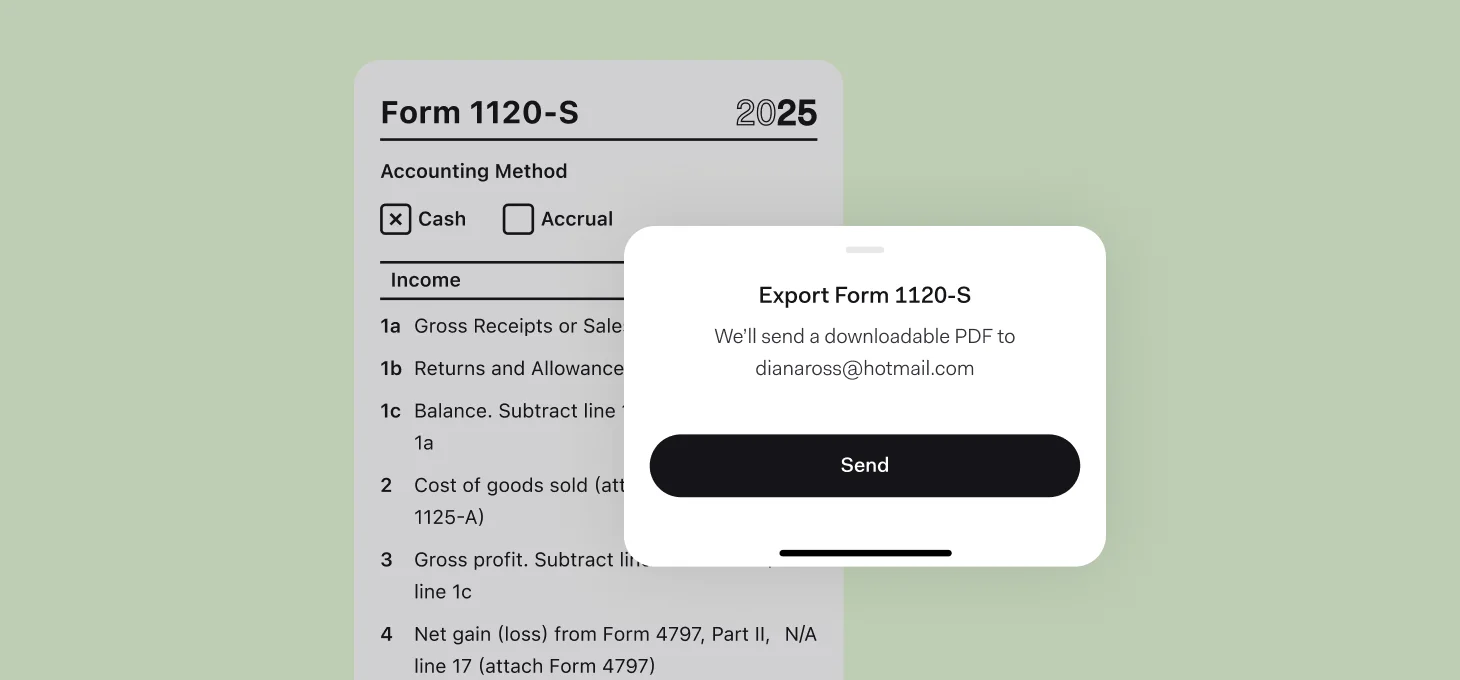
After reviewing your tax forms, you can then export them as a PDF to use as you file your taxes.
If you work with an accountant or another person for tax prep, you can easily share access to your Found account* through our Accountant Access feature. They will get access to these tax forms, along with your account activity feed and business reports.
Make sure to also check out Found’s other tax tools, such as auto-saving for estimated taxes with the Taxes Pocket and keeping track of 1099 contractor tax forms in our contractor management section.
*Found partners with TurboTax, and is not a filing service. Restrictions may apply, see TurboTax terms.