
Plan, track, and save with Pockets
Manage your cash flow with ease
Pockets are sub-accounts that give you clarity and control over your finances—whether you're budgeting for a specific goal, saving for taxes, or tracking different revenue streams.
Get started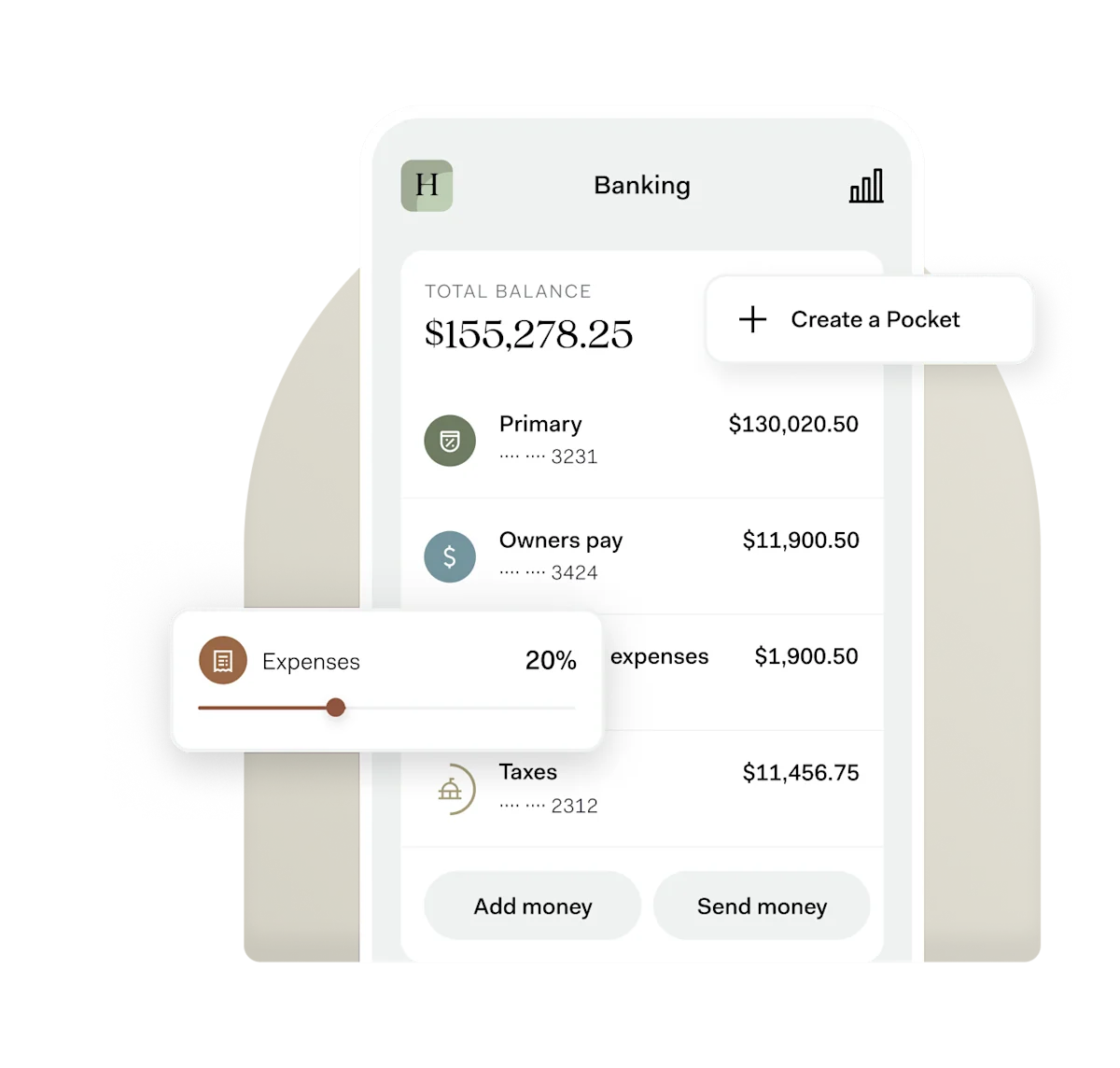
-

Auto-allocate funds to each Pocket
-

Pay taxes, pull payroll, and more—directly from Pockets
-

Set savings goals and track progress
Running a seasonal business used to be a cash flow nightmare, but Pockets' automatic savings eliminated my biggest financial headache.
-
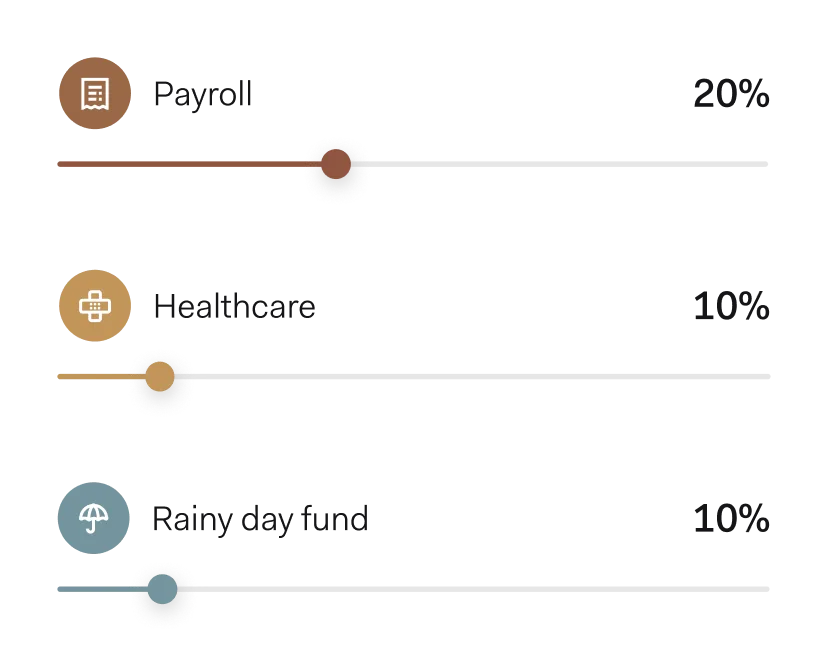
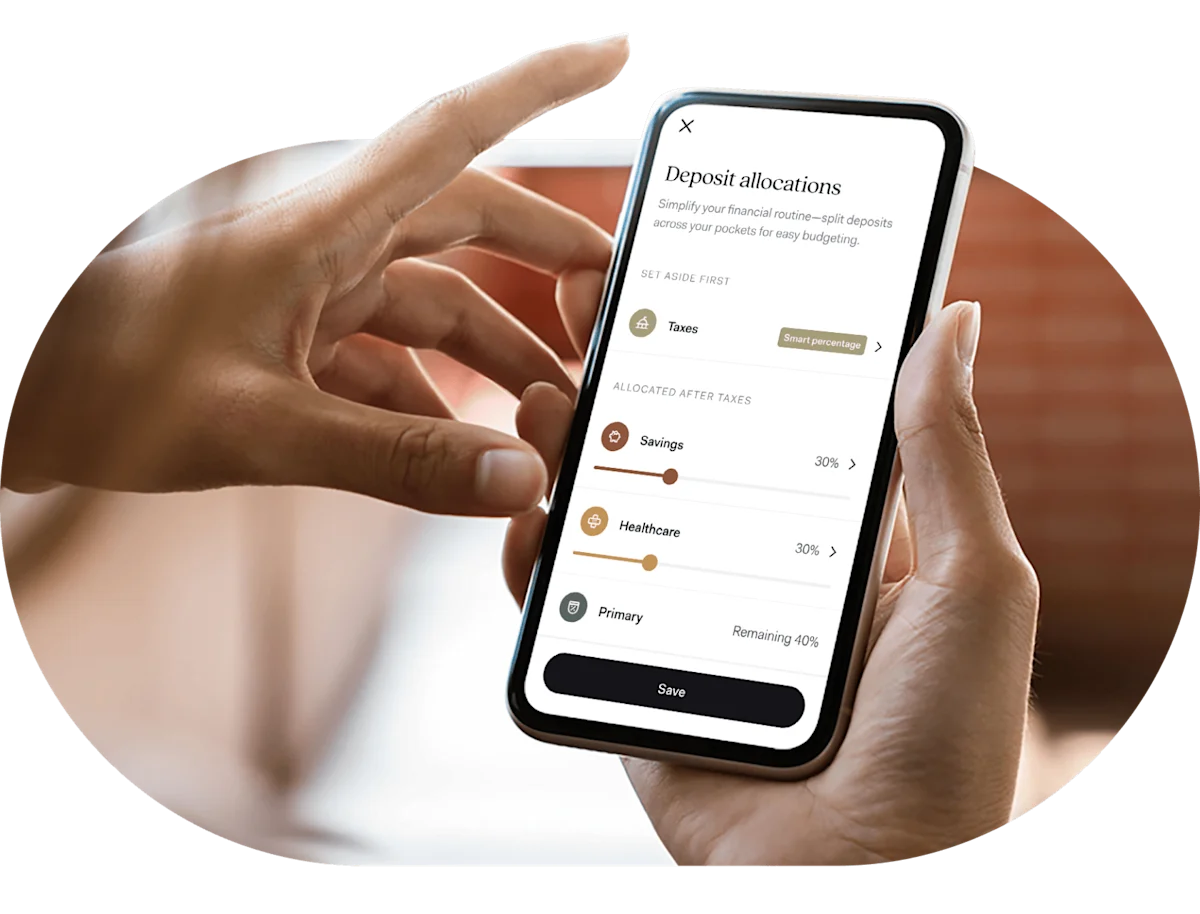
Automatically assign money to Pockets
Allocate a percentage of every deposit to a specific Pocket—or seamlessly move money between Pockets whenever you need.
-
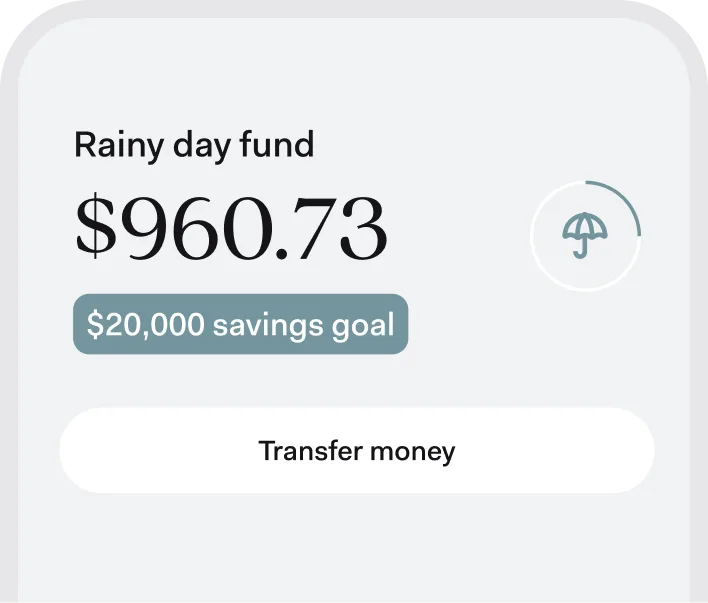
Set savings goals to help you stay on track
Whether you're saving for insurance premiums or a rainy day, Pockets let you set per-Pocket savings and track your progress.
-
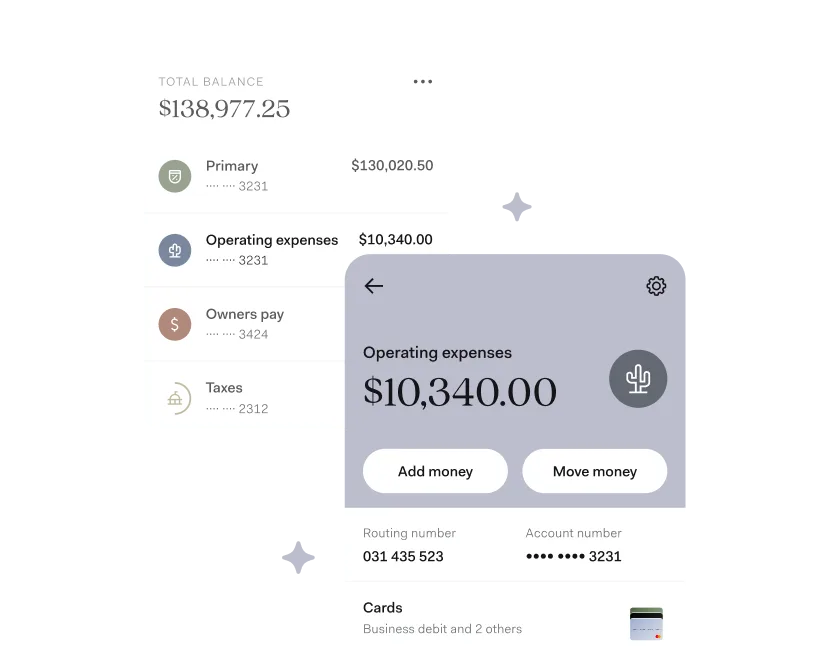
Spend directly from a Pocket
Have cash earmarked for specific needs? Make payments and transfers directly from the Pocket you want to use. You can also link virtual cards to a Pocket—so you always know where your money is coming from.
-
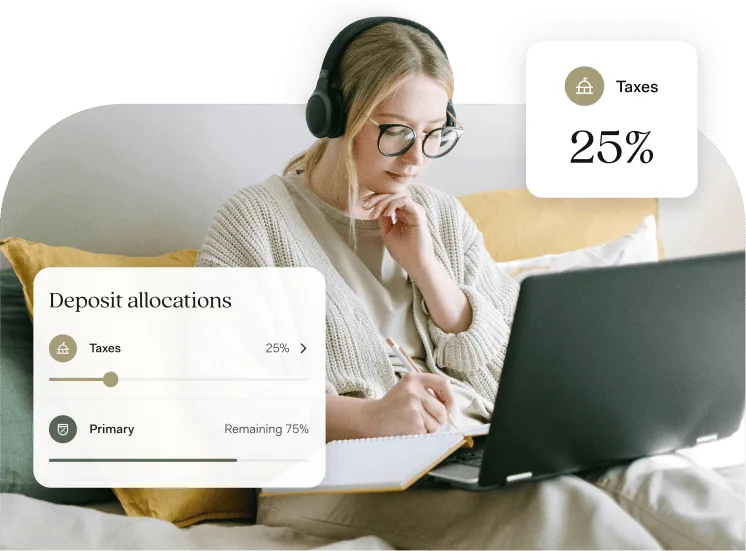
Use Pockets to simplify taxes
With Found's real-time tax estimate, you can set aside money in a tax-specific Pocket every time you get paid. When tax season rolls around, you can pay taxes directly from that Pocket.
How to use Pockets to manage your cash flow
A step-by-step guide to using Pockets to get clarity over your finances.
Read moreSee why over 700K business owners have chosen Found
-

User friendly.
Extremely user friendly and for the most part runs like a consolidated Quickbooks, but doesn't cost you a bunch of money.
-
Automation.
I have never seen an app for freelancers, contractors, and business owners that has everything they need with such automation.
-
No downtime.
Was just astonished at how easy it was to integrate into my daily life with no real downtime in learning the app's ins and outs!
-
Great app.
Great app for business owners who have a sole-ownership LLC, a sole proprietorship, or are a freelancer. Pretty much does your taxes for you.
-
Very easy.
It was very easy. We just put in all the relevant information and had an account opened up so quickly.
-
Brilliant.
Finally, business banking with accounting software built in. I no longer need Quickbooks. It even does the schedule C for you. Brilliant.
-
Everything in one platform.
Found has been a godsend for me and our business - it pretty much does everything.
-
Just makes sense.
Having banking, invoicing, and bookkeeping all in one app just makes sense, and Found is the only one doing it all correctly.
-
True quality banking.
Amazing!! Banking services, invoicing, Stripe connection. Excellent interface. Automatic tax deductions. True quality banking.
-
Seamless.
Love the automatic tax separation from income, and the invoice and payment features have made running a small business seamless for me.
-
So much easier.
Found is going to save me so much headache. It makes EVERYTHING so much easier. Expenses, income, profits, TAXES. Invoices even!
-
A blessing.
As a small business owner, Found has been a blessing. I can focus on my customers and my business and not worry about banking problems.
-
Automate and calculate.
Helps you automate and calculate a lot of things you'd have to do yourself before, giving you more time to focus on other aspects that matter.
-
Take all the guesswork out.
Found and this app take all the guesswork out of owning your own business!
Frequently Asked Questions
Are these separate checking accounts?
No, Pockets are sub-accounts within a single Found checking account. They do each have their own account number, though, which allows you to deposit into and transfer from each Pocket directly.
Does it cost money to create Pockets?
No, Pockets are included for free with Found's core plan.
How many Pockets can I create?
In addition to Primary and Taxes Pocket, Found customers can create up to 18 custom Pockets — perfect for separating expenses, saving for big purchases, or setting aside money for different business needs without juggling multiple accounts.
How can I use Pockets in running my day-to-day finances?
Common ways business owners use Pockets include saving for and paying estimated quarterly taxes, setting aside money for payroll, healthcare, and other common expenses, saving up for a purchase or a rainy day fund, and managing cash across different revenue streams.
How do I auto-allocate funds to a Pocket?
You can set a percentage of all income sent to your primary Found account and routing number to be allocated to certain Pockets by setting up deposit allocations. This is a handy way to ensure you're proactively saving for various business needs as you earn income.
How does my Taxes Pocket work with Found's tax estimation feature?
Saving money for taxes is easy with Found's Taxes Pocket. If you're a sole proprietor, your deposit allocation can be set to Found's smart percentage. Not a sole proprietor? You can set a custom deposit allocation based on your unique tax situation.
How do I transfer funds between my Pockets?
You can transfer funds between Pockets at any time, with no limits on the number of transfers.
Sign up in as little as 5 minutes.
- Easy sign up
-
 No credit check
 - No minimum balance
- No maintenance fees
Scan to download the Found app.
Found is available on iOS, Android, and desktop.