
Built-in invoicing that skips the busywork
Get started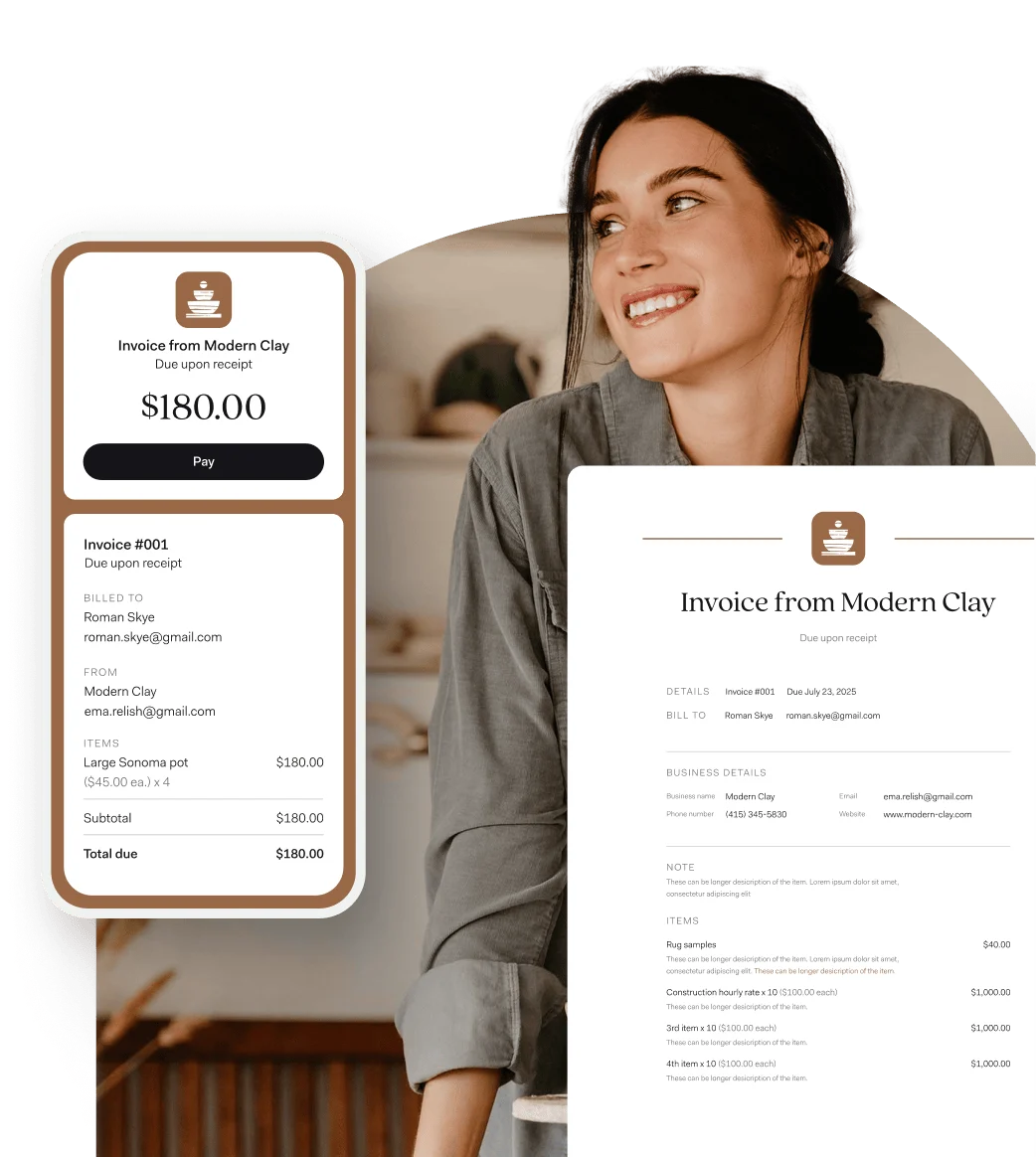
-

Speed up repeat invoices
When you invoice a repeat client, we'll auto-fill the details from a previous invoice
-

Convert estimates easily
Skip the extra step—convert an estimate to an invoice in just a few taps
-

Avoid fee confusion
Easily include things like service charges or processing costs to your invoices at the start

Best app by far for sending invoices and for repeat series of invoices.
Along with being able to keep up with taxes, it makes it so much better than the competition.

-
Invoicing that works as hard as you do
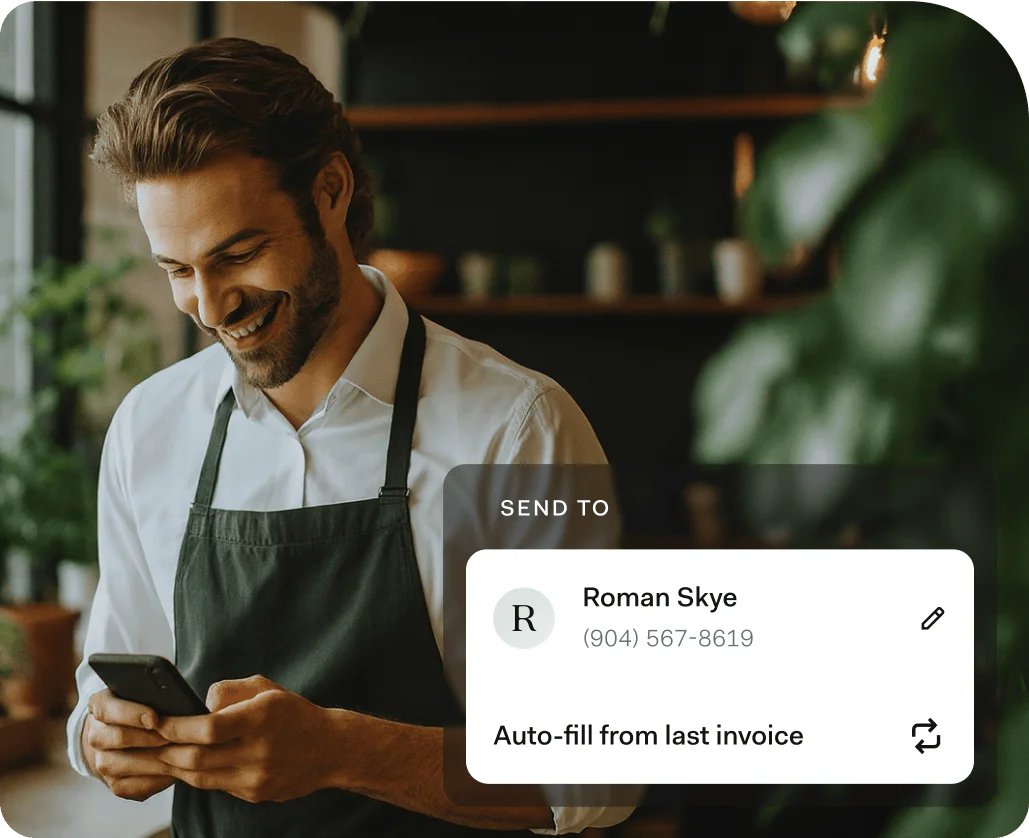
Tired of creating the same type of invoice multiple times? Save time and effort with invoice templates. For repeat customers, we'll even auto-fill the details from your last invoice.
-
Offer flexible payment methods
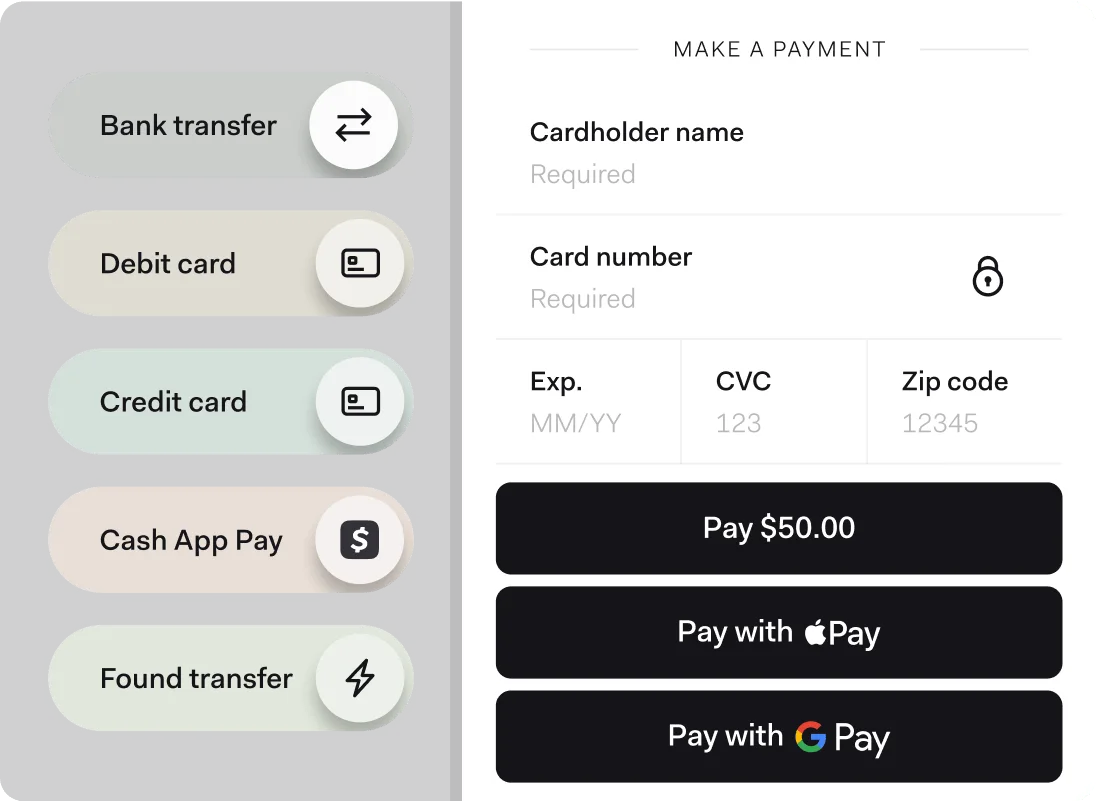
Clients can use a wide range of seamless payment options—including direct deposit, credit and debit card payments, and instant transfers between Found accounts.
-
Keep your books up to date
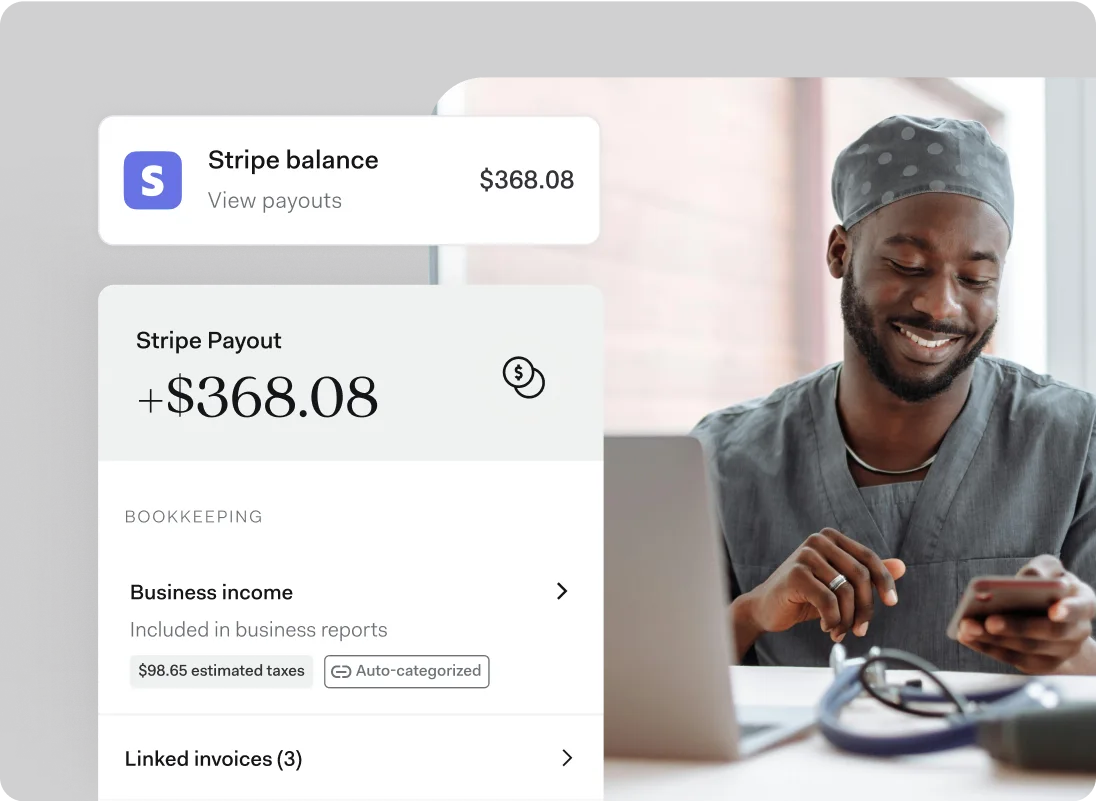
When you connect Found to Stripe, payments are automatically linked to your invoice, speeding up reconciliation and keeping your books organized.
-
Manage your income in one place
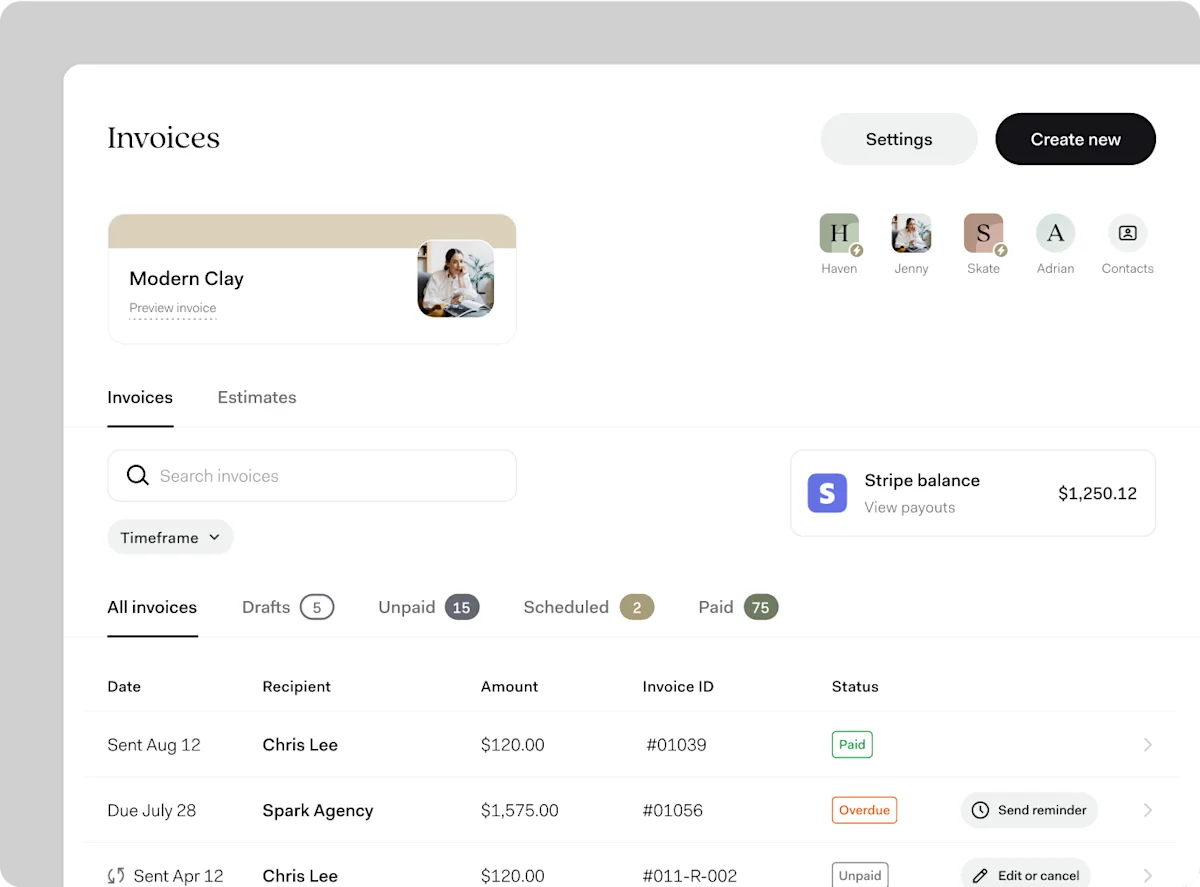
Keep tabs on your invoices, see what's paid and what's pending, and set automatic reminders for clients.
Frequently Asked Questions
How much does it cost to send invoices through Found?
It doesn't cost anything to send unlimited invoices through Found! All of Found's tools for creating, sending, and tracking invoices are all free as part of Found's core plan. Learn more.
Is there a limit to how many invoices I can send?
Not at all! Send as many invoices as you need at no cost.
Can I customize invoices with my business logo and branding?
Yes, you can add your business logo and choose an accent color to ensure your invoices are professional and aligned with your brand.
Is it possible to add fees and other charges to invoices?
Yes, Found allows you to add fees or service charges as separate line items when creating an invoice, either as a flat dollar amount or a percentage of the total invoice.
Can I send scheduled or recurring invoices?
Yes, you can choose to send an invoice immediately or schedule it for a later date. You can also set up recurring invoices to send the same invoice to the same client multiple times.
Can I accept card payments from my clients through Found?
Yes, Found partners with Stripe so that your customers can pay you with a debit or credit card. You'll need a Stripe account, and processing fees may apply. Learn more here.
Can I accept in-person payments with Found?
Yes, with our Tap to Pay feature, you can accept in-person, contactless payments directly on your smartphone, no additional hardware required.
How does Found's invoicing feature help me with bookkeeping and taxes?
When a client pays an invoice, the payment is automatically logged and categorized as business income in your Activity feed. Found will also update your financial reporting and adjust your real-time tax estimate with that income, helping you stay prepared for taxes.
Sign up in as little as 5 minutes.
- Easy sign up
-
 No credit check
 - No minimum balance
- No maintenance fees

Scan to download the Found app.
Found is available on iOS, Android, and desktop.