
Introducing Connected Accounts Improvements
Import transactions from other cards, banks, apps—now with more control and flexibility
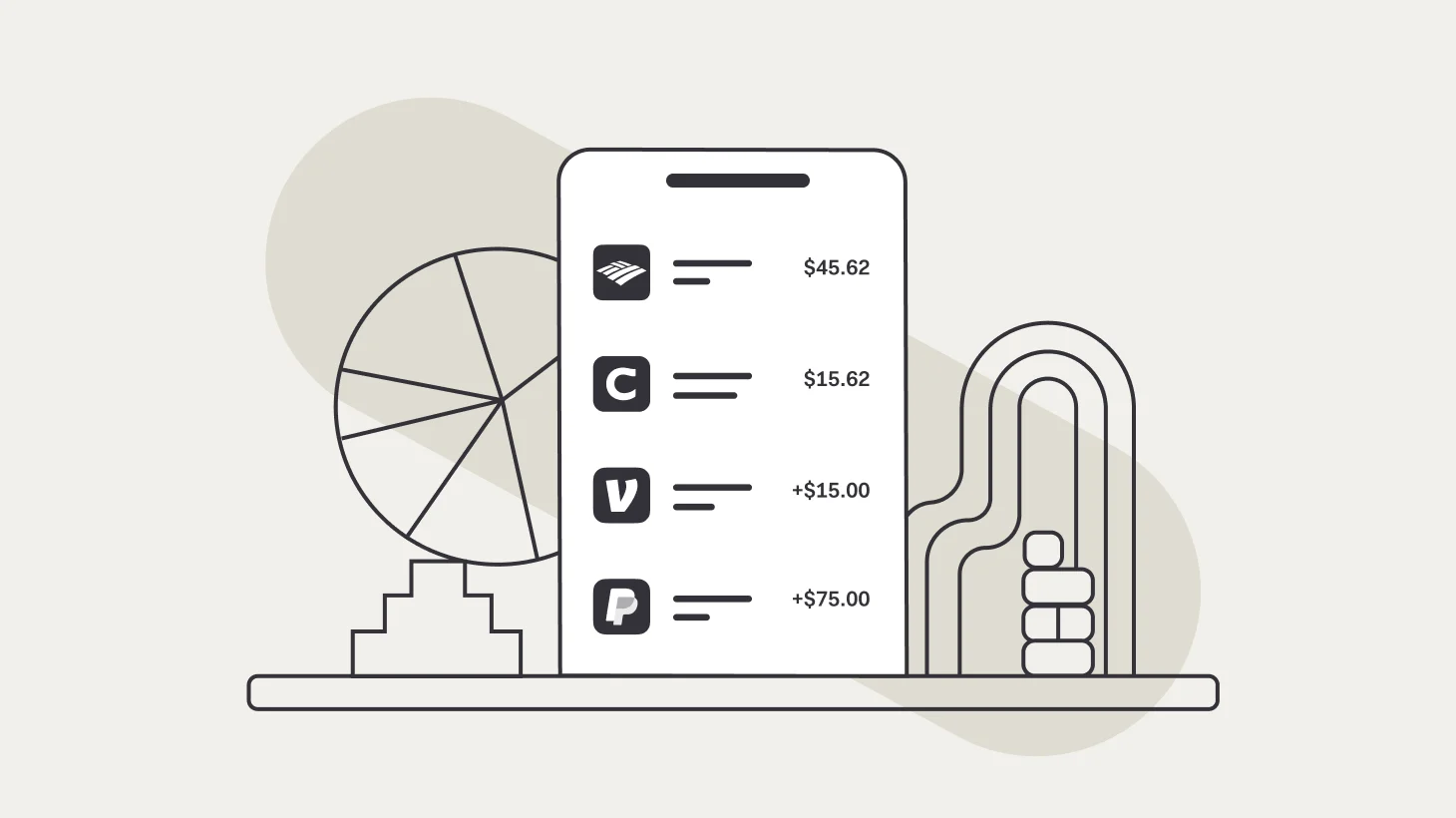
If you use another credit card, bank account, or payment app to make purchases or receive deposits for your business, you can import these transactions into Found using our Connected Accounts feature.*
This is a powerful way to track all of your business income and expenses in one place and ensure that your business reports and tax estimate stay up-to-date—even if you’re using multiple accounts.
We’ve made some exciting updates to Connected Accounts* that give you more control over your linked accounts and make it easier to manage your expenses made elsewhere.
Choose whether to auto-sync or import manually

By default, Found allows you to select transactions to import from a connected account, which is great if you have another account with a mix of personal and business transactions.
For business owners looking to skip this manual work, you can now choose to automatically sync all transactions from connected accounts on an ongoing basis. This is ideal for external accounts used exclusively for business, such as a business credit card where all of your spending is on business expenses.
With auto-sync enabled, Found will bring in past transactions back to a date that you choose and will also import all future transactions from this synced account moving forward. No manual work needed!
Manage individual accounts from the same institution
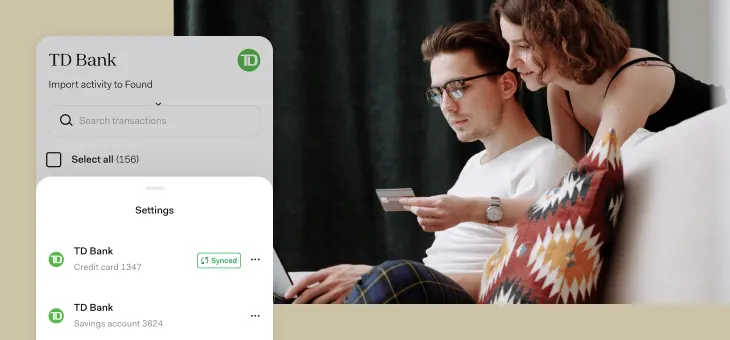
Do you have multiple accounts with the same financial institution?
Now, you can choose which specific accounts to sync when connecting a financial institution, so you’re only bringing in relevant business transactions into Found.
For instance, you may have a business credit card and a personal savings account with the same bank. When linking that institution, you can automatically sync transactions from the credit card, but leave the savings account unlinked.
This gives you more control over your financial data spread across multiple accounts and can be an opportunity to selectively use auto-sync with only relevant business accounts.
*All Found users can use Connected Accounts for 60 days. After 60 days, you’ll need a Found Plus (for $35/month or $315/year) or Found Pro subscription (for $80/month or $720/year) to continue to import new data from your accounts.
Disclaimer: The information on this website is not intended to provide, and should not be relied on for, tax, legal, or accounting advice.