
Getting started with Found
You signed up—nice! Here are quick and easy next steps to help you get the most from your account.
Step 1: Download the app
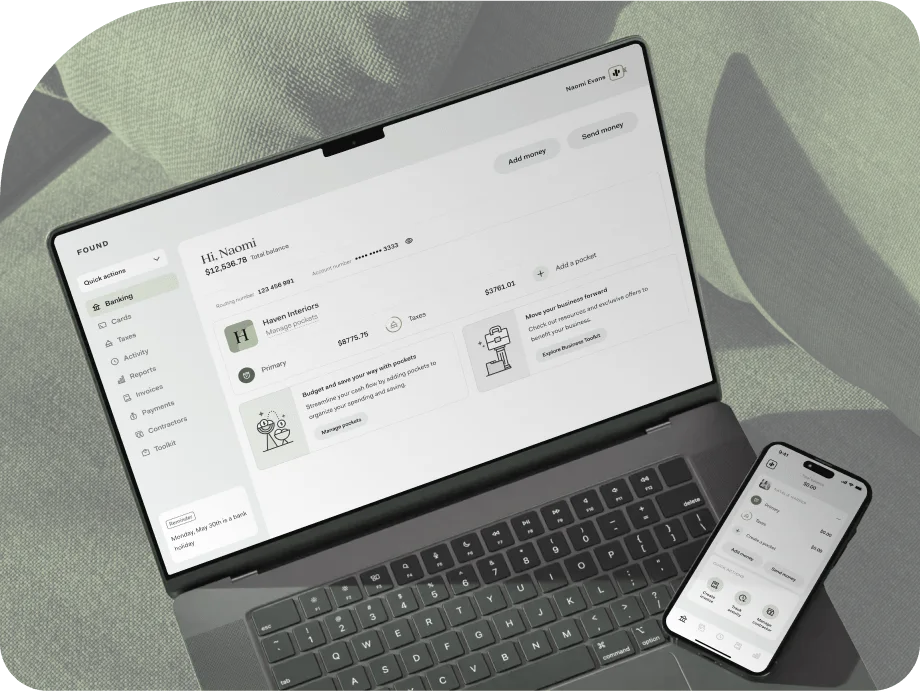
Easy to use, sleek, and full of features. Take your business banking on the go with the Found app.
Download app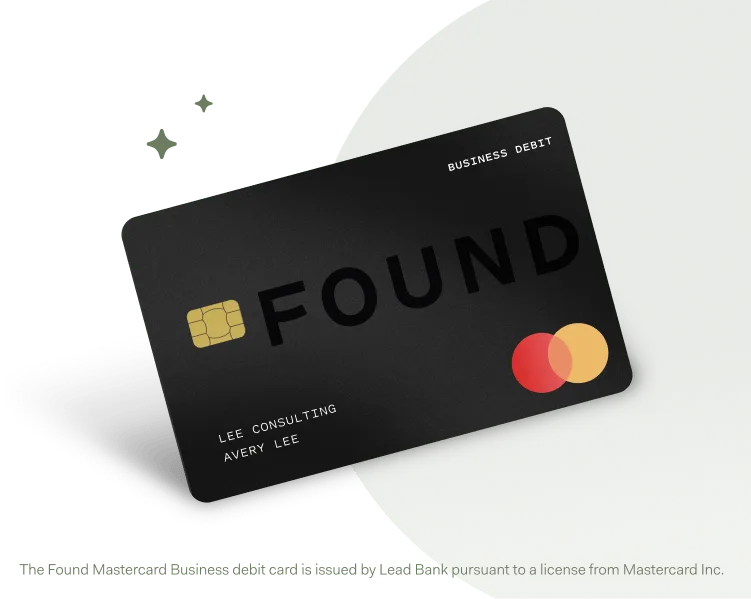
Step 2: Activate your card
Turn on your purchasing power by activating your physical card. Then add to your digital wallet for easy, secure shopping online or in stores.
Activate cardThe Found Mastercard Business debit card is issued by Lead Bank pursuant to a license from Mastercard Inc. and may be used everywhere Mastercard debit cards are accepted.
Step 3: Fund your account
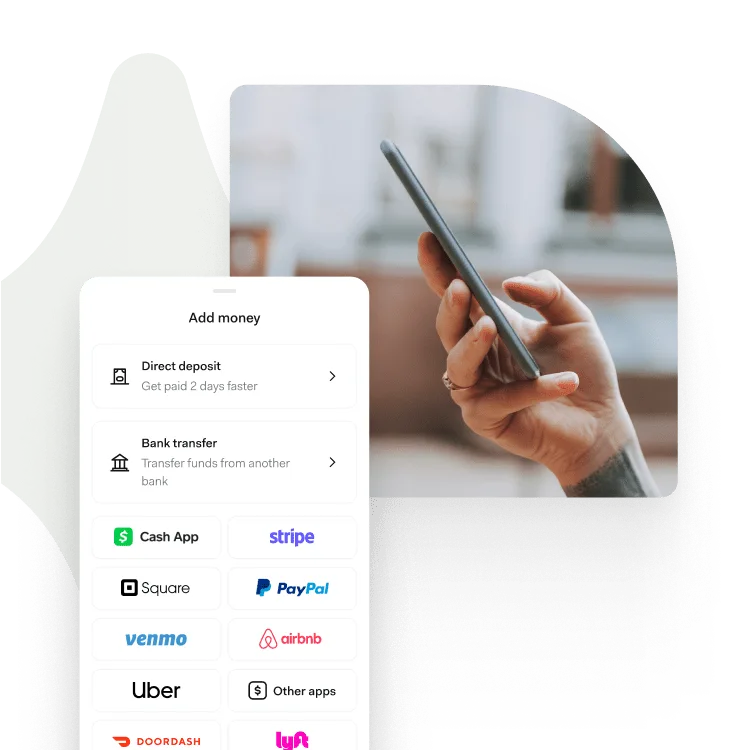
Add money using a payment app, make a cash deposit, or set up direct deposit and get paid up to 2 days early.¹
Fund account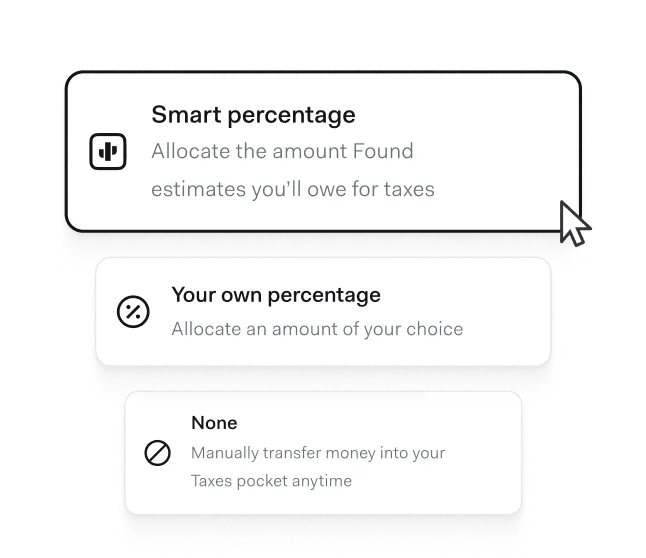
Choose how much to set aside for taxes
We’ll help you auto-save for taxes every time you get paid. Choose the percentage you want to set aside from each deposit, or use Found’s smart percentage to calculate for you.
Learn more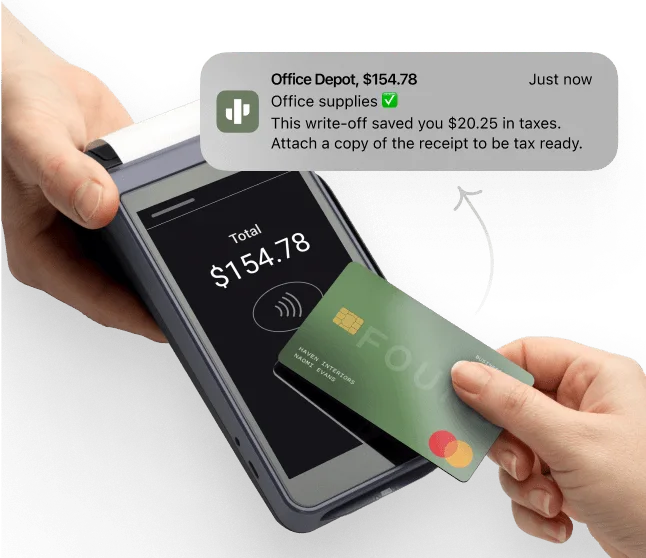
Find write-offs. Save money. Repeat.
Every time you use your Found card, we’ll automatically track your expenses so you don’t have to. Found’s auto-categorization also helps you find write-offs, saving you big at tax time.
Learn moreThe Found Mastercard Business debit card is issued by Lead Bank pursuant to a license from Mastercard Inc. and may be used everywhere Mastercard debit cards are accepted.
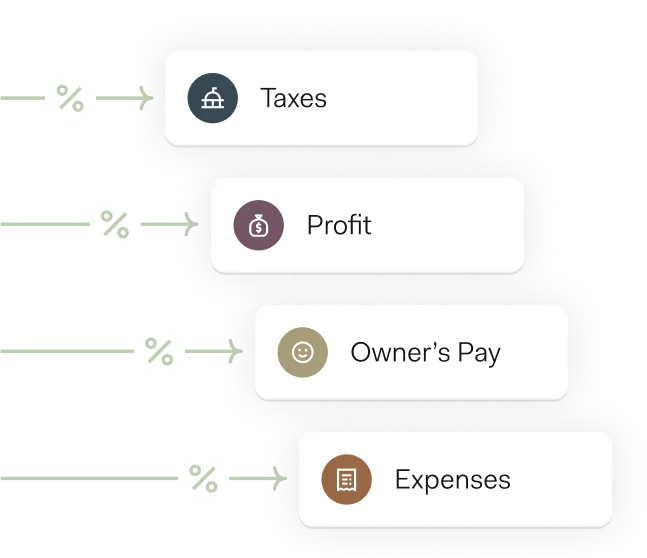
Budget and save, your way
Quickly separate and earmark money with pockets. Set up Profit First budgeting or set aside funds for payrolls, supplies, emergencies — whatever you choose.
Learn moreFAQs
How do I set up direct deposit?
To get paid by direct deposit into your Found account, just find your account and routing numbers. Provide those to your employer or client, and your income will be deposited right into your account.
You can learn more about this step-by-step process here.
How do I add money to my Found account?
Whether you get paid by bank transfers, payment apps, cash, or checks, getting started with Found has never been easier. You can make a deposit and get paid into your Found account in a variety of ways.
How can Found help me budget and organize my money?
Pockets help you keep your funds organized, allowing you to manage your money with ease. Your Found account comes with Primary and Taxes pockets, and you can create additional pockets to save towards specific goals, to track different businesses, or for Profit First budgeting.
How do I create and send an invoice?
To create an invoice, navigate to the Invoices section of your account. From there you can create a new invoice, customize the information and design, and send to the recipient. Learn more about sending invoices in our Help Center.
How do I send a payment with Found?
You can send a payment in a variety of ways: via a free, instant Found to Found payment to another Found user, via text or email, or via direct deposit, wire transfer, or check. Read more about these payment options in our Help Center.
Can I share my Found card?
You can create and share a virtual card with trusted business partners or employees. To do this, start by tapping the virtual card you wish to share, and then tapping ‘Sharing’ on the card management screen. From there, you will be able to choose the business contact you wish to share your additional card with.
Can I track my other cards in Found?
With Found Plus, you can connect to and import activity from your other banks, apps, and cards. This is an easy way to centralize and simplify your bookkeeping. Learn more about Found Plus and and try it free for 30 days.
Can I accept credit card payments with Found?
Yes you can! You’ll need a Stripe account to process the card payments. Once you’re up and running with Stripe and have connected it to your Found account, you can even accept Tap to Pay payments using just your phone. Learn more about accepting credit card payments in our Help Center.